Most regression suites do not fail because the product is broken. They fail because staging is slow, the seed data drifted, or someone else's test left the database in a state nobody planned for. The actual product behavior is fine — the environment around it is the problem.
A regression suite that depends on a shared backend will always be a regression suite that lies to you sometimes. The way out is to make the part you care about — the UI under specific API conditions — independent of the part you do not control.
Nano Banana prompt: "UI mockup of a CI dashboard on the left showing a list of test runs marked 'flaky' with red warning icons. On the right, a weekly calendar grid where multiple days are stamped 'blocked by staging' in amber. A thin connecting line between the two panels. Caption strip: 'What regression looks like when the environment owns you.' Light theme, modern flat design, indigo accents."
The structure: flow → scenarios → preset
Pick a critical flow. Checkout is the canonical example. Then list the scenarios you actually care about:
- Checkout success
- Checkout declined (card)
- Checkout slow (pending payment)
- Checkout fraud check error
- Checkout cart empty
- Checkout 3DS challenge
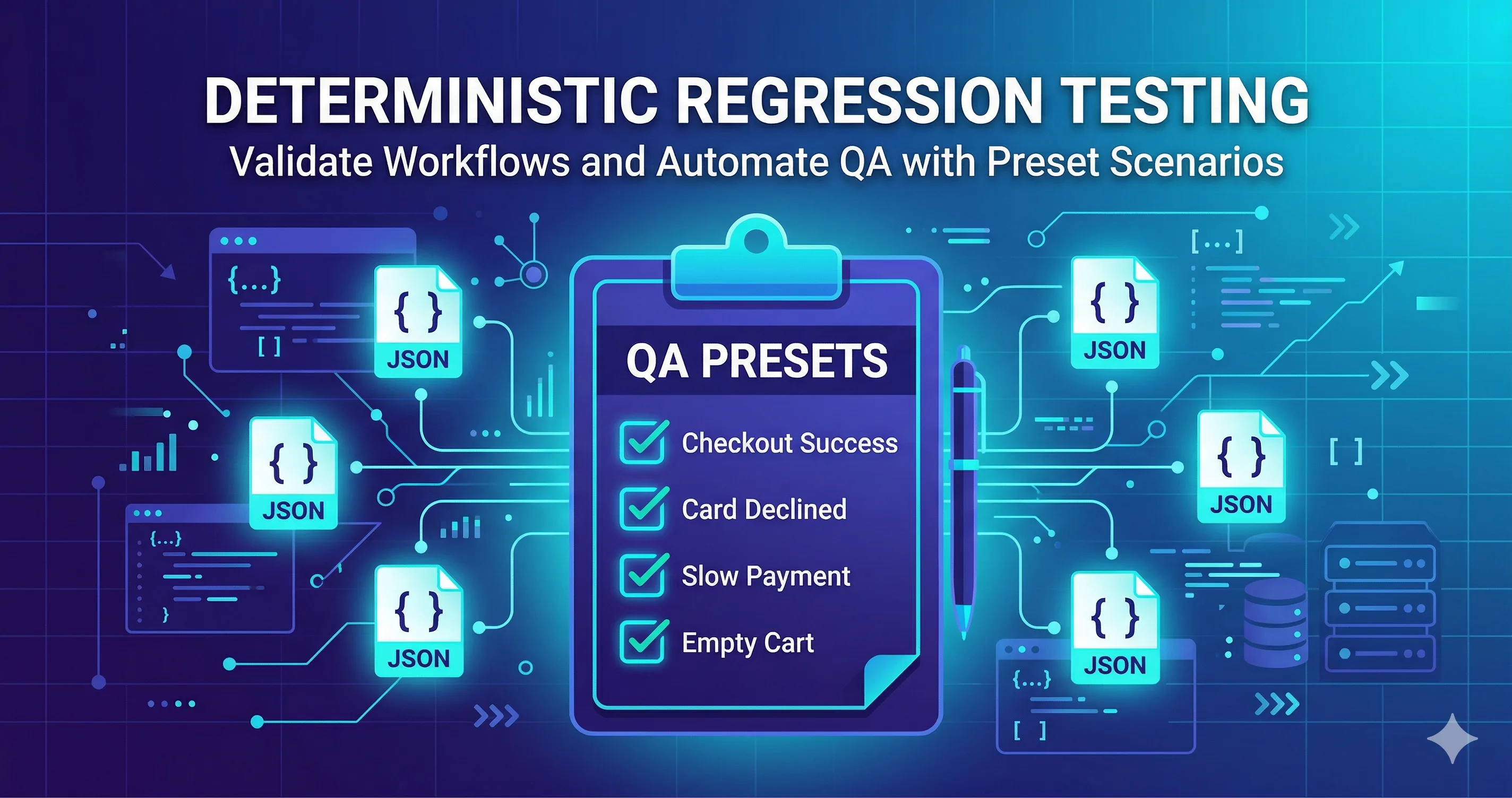
Each scenario becomes a Mockfill preset — a named bundle of rules that, when activated, puts the API into exactly that shape.
Building the preset library
For checkout, you might end up with rules like:
pay_200_success         GET  /api/payment/methods  → 200 valid methods
pay_402_declined        POST /api/payment          → 402 card_declined
pay_pending_slow        POST /api/payment          → 200 + 4000ms delay
risk_429_throttled      POST /api/risk-check       → 429 retry-after: 10
risk_500_error          POST /api/risk-check       → 500 server error
cart_empty              GET  /api/cart             → 200 { items: [] }
threeds_challenge       POST /api/payment          → 200 challenge_required
Then bundle them into presets:
Checkout — Success
Checkout — Card Declined
Checkout — Slow Payment
Checkout — Fraud Error
Checkout — Empty Cart
Checkout — 3DS Required
Nano Banana prompt: "UI mockup of a Mockfill extension dropdown menu open over a checkout page. Six preset options stacked with small status icons: 'Checkout — Success', 'Checkout — Card Declined', 'Checkout — Slow Payment', 'Checkout — Fraud Error', 'Checkout — Empty Cart', 'Checkout — 3DS Required'. Caption: 'Six realities of one flow, one click apart.' Light theme, modern SaaS UI, indigo accents, soft shadow."
A naming convention that survives a year
The hardest part of a preset library is not building it — it is keeping it understandable six months later. A convention that holds up:
- Endpoint prefix.
pay_,risk_,cart_. So you can grep. - Status code.
402,500,pending. So you can scan. - Outcome.
declined,throttled,empty. So you remember why.
For presets: Flow — Scenario. Always with the em dash, always with the flow name first. This makes alphabetical sort group everything correctly in the UI.
Sharing the library as JSON
Mockfill exports rule sets and presets as JSON. Commit it to the repo:
repo/
  tools/
    mockfill/
      checkout.json
      auth.json
      onboarding.json
      README.md
The README should be about ten lines: install Mockfill, import the JSON, pick a preset, run the flow. That is the entire onboarding for a new QA hire.
Nano Banana prompt: "Stylized screenshot of a GitHub repository file tree sidebar. The 'tools/mockfill/' folder is expanded showing files: 'checkout.json', 'auth.json', 'onboarding.json', 'README.md'. Each file has a small icon. Caption strip: 'Mock scenarios as code, reviewable in PRs.' Light theme, GitHub-like styling but with subtle indigo accents, modern flat design."
What this changes in the regression run
Before:
- Open Linear ticket "test card declined."
- Ask backend dev to put a test card into the declined state in staging.
- Wait.
- Run the test.
- Discover the test card is in the wrong declined state.
- Ask again.
After:
- Open Mockfill, select Checkout — Card Declined.
- Run the test.
The hours-to-minutes compression is the obvious win. The less obvious win is that the regression result is now reproducible — anyone on the team gets the same outcome by selecting the same preset.
What it does not replace
A preset library is a UI behavior test, not an API correctness test. You still need a small set of real integration smoke tests that hit the actual backend, because no amount of mocking will tell you that the real /api/payment endpoint returns the body shape your mock is pretending it returns.
The right ratio is roughly:
- Many UI scenarios under deterministic mocks → fast, stable, every PR.
- Few real-backend smoke tests → slower, run before release.
Mockfill handles the first. Your existing CI pipeline handles the second.
Hit counts: knowing your rules are actually firing
A subtle gotcha with rule-based mocking is the silent miss — your rule is enabled but not matching, the request goes to the real backend, and the test passes for the wrong reason. Mockfill tracks hit counts per rule. Before declaring a regression suite "deterministic," check the hit counts after a run and confirm every rule you expected to fire actually fired.
Nano Banana prompt: "UI mockup of a Mockfill rules list. Several rules show small badges 'Hits: 12', 'Hits: 4', 'Hits: 7'. One rule in the middle has a red highlighted badge 'Hits: 0' with a glowing red ring around it and a subtle warning icon. Caption: 'The silent miss, made visible.' Light theme, modern flat SaaS design, indigo accents."
Graduating to CI
Once a preset proves its value during a release cycle, port the underlying rules into your test runner — Cypress cy.intercept or Playwright route.fulfill. The Mockfill preset stays as the QA debugging tool; the test runner becomes the enforcement.
The takeaway
A regression suite is only as deterministic as its weakest dependency. Take the shared backend out of the loop for the cases where you only care about UI behavior, and the suite stops lying to you.