The single most preventable kind of demo failure is the one where staging picks the worst possible moment to return a 500. The product works. The slides are ready. The stakeholder is watching. And the dashboard you have demoed a hundred times shows a spinner that never resolves.
Real backends are not designed to be predictable on demand. Mocked ones are. A small Mockfill preset library is the cheapest insurance policy a product, sales, or solutions team can buy.
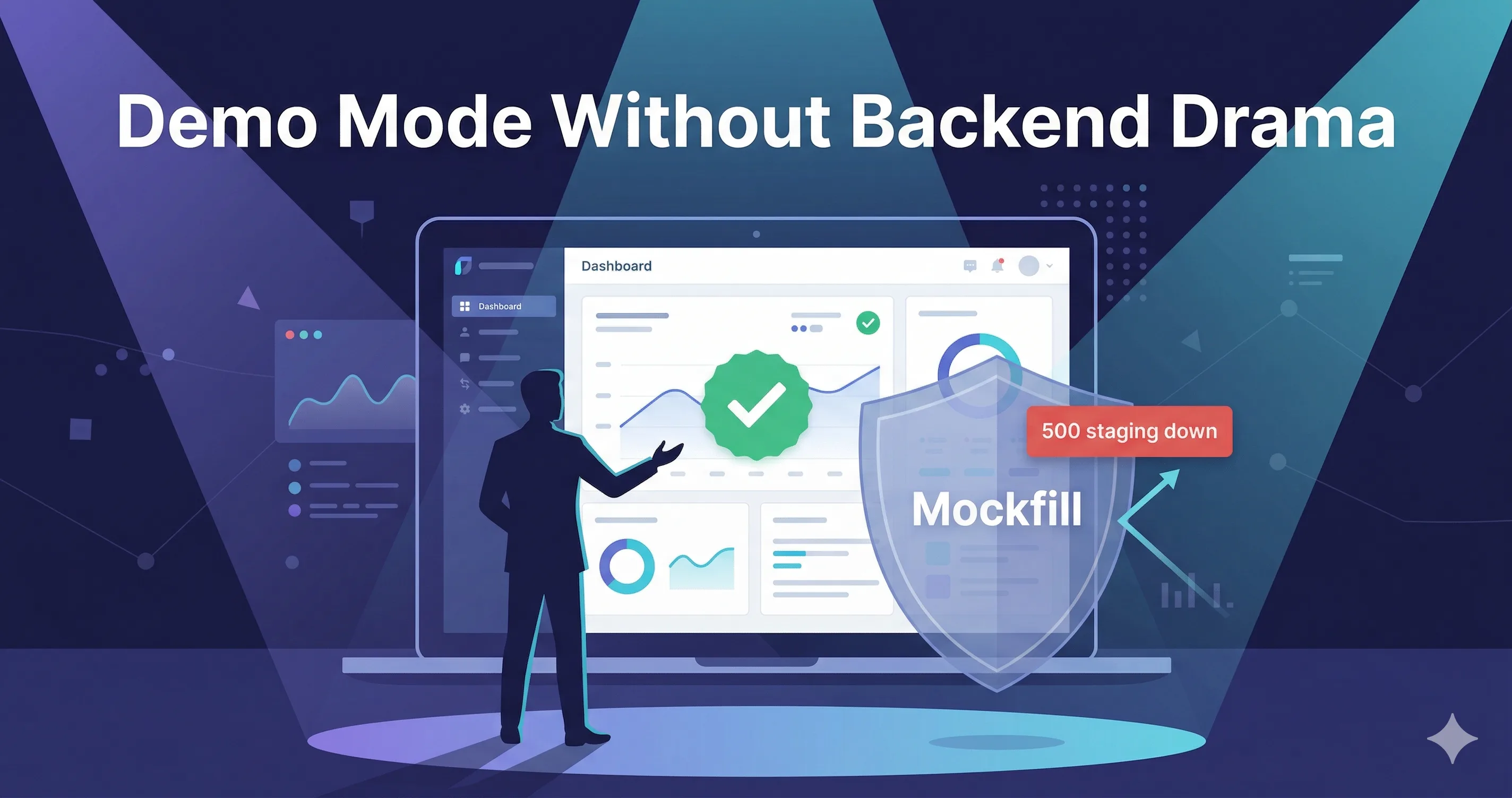
Nano Banana prompt: "Stylized flat illustration of a presenter at a podium with a laptop on stage. The laptop screen shows a clean SaaS dashboard with a green checkmark. Behind the laptop, a small red 'staging is down' notification is being deflected by a translucent shield labeled 'Mockfill'. Soft stage spotlights, audience silhouettes in the foreground. Caption: 'What the audience sees vs what the backend is doing.' Indigo and cyan palette, modern flat design, no photorealism."
What "demo mode" actually needs
A demo is not a regression suite. You do not need every endpoint mocked. You need:
- The endpoints in the demo flow to return realistic, polished data.
- Any endpoint that could fail spectacularly to either be mocked or fail invisibly.
- A way to flip between two or three demo scenarios without restarting anything.
That is the whole spec. It maps cleanly onto Mockfill rules and presets.
Building the demo flow
- Walk the demo once with your normal app and a Network tab open. Note every API call that happens during the script.
- For each call, decide: does the demo depend on the response? If yes, mock it. If no, leave it.
- For each mocked call, write a clean payload. This is where the "polished" part happens — realistic names, round numbers that look intentional, no test data leaking through ("Asdf Asdfson" is not a customer name).
- Create one preset per scenario you might switch into. Typically: Demo Happy Path, Demo with Error Recovery, Demo on Empty Account.
- Rehearse with the presets active, with your real network disconnected if possible. If the demo holds up offline, it will hold up over a hotel Wi-Fi.
Image placeholder — Screenshot: Mockfill preset selector showing "Demo — Happy Path / Demo — Error Recovery / Demo — Empty Account / Demo — Slow Network". Caption: "Three demo realities, one click apart."
Realistic demo data, not test data
The fastest way to undermine a demo is to leave test data in it. The audience notices "test@test.com," they notice "lorem ipsum," they notice "User 1 / User 2 / User 3." Mocked data is your chance to control the narrative — use it.
Some small rules:
- Names should look like names. Pull from a realistic generator, vary genders and origins, avoid placeholders.
- Numbers should look intentional. $42,019 is more credible than $99999. Round, but not too round.
- Dates should be recent and plausible. "Updated 4 hours ago," not "Jan 1 1970."
- Avatars should exist. Even if they are stock, blank avatars look like a half-built product.
{
  "accounts": [
    { "name": "Lattice Health", "mrr": 18420, "owner": "Priya Menon" },
    { "name": "Northwind Apparel", "mrr": 9275, "owner": "Felix Brandt" },
    { "name": "Otter Logistics", "mrr": 31090, "owner": "Asha Rao" }
  ]
}
This is the kind of payload that makes a stakeholder ask "wait, are these real customers?" That is the reaction you want.
Image placeholder — Side-by-side dashboard screenshots: left, "lorem ipsum / test@test.com / $99999" looking obviously fake; right, the polished demo payload looking like a real product. Caption: "Same dashboard. The mock is the difference."
A scenario you should always have: graceful error recovery
A counterintuitive but powerful demo move is to intentionally show an error and then recover from it. Stakeholders trust products that handle failure gracefully more than products that pretend failure never happens.
Build a Demo — Error Recovery preset where one specific call returns a 500 with a friendly error toast and a retry button that, when clicked, returns 200. This requires nothing more than two rules — one 500, one 200 — toggled in sequence, or a rule that returns 500 on the first hit and 200 after.
Most demos do not show this. The ones that do are the ones that close deals.
Sharing the demo pack across the team
Mockfill exports rules and presets as JSON. The sales engineering team should not be rebuilding the demo from scratch — there should be a single demo-pack.json in a shared location that anyone can import:
repo/
  tools/
    mockfill/
      demo-pack.json
      DEMO-README.md
The README should be ten lines: which preset to use for which audience, what each scenario shows, what to say while it loads.
Image placeholder — Screenshot: a GitHub repo file tree with the demo-pack.json highlighted, plus a teammate's Slack message saying "imported, ready for the 3pm." Caption: "A demo pack is shareable infrastructure, not personal magic."
What demo mode is not
Mockfill demo mode is for dev, staging, and presentation environments. It is not — and must not be — used in production with real users. The browser extension is a tool for the person running the demo, not a feature of your product.
Two practical guardrails:
- Only enable Mockfill in browser profiles dedicated to demos and dev.
- Disable rules at the end of the session, or use the global toggle Mockfill provides.
The takeaway
Demos that fail because of staging are demos that did not have to fail. A Mockfill preset library takes one afternoon to build, lives in the repo as JSON, and removes an entire category of avoidable disasters from every product, sales, and stakeholder presentation from then on.