cy.intercept is one of the best things about Cypress. It lets you stub any request with a specific status, body, headers, and delay, and it makes E2E tests deterministic in a way that hitting a real backend never can. The catch is that writing the intercept is the easy part. The hard part is figuring out the body that triggers the UI state you actually want to assert against.
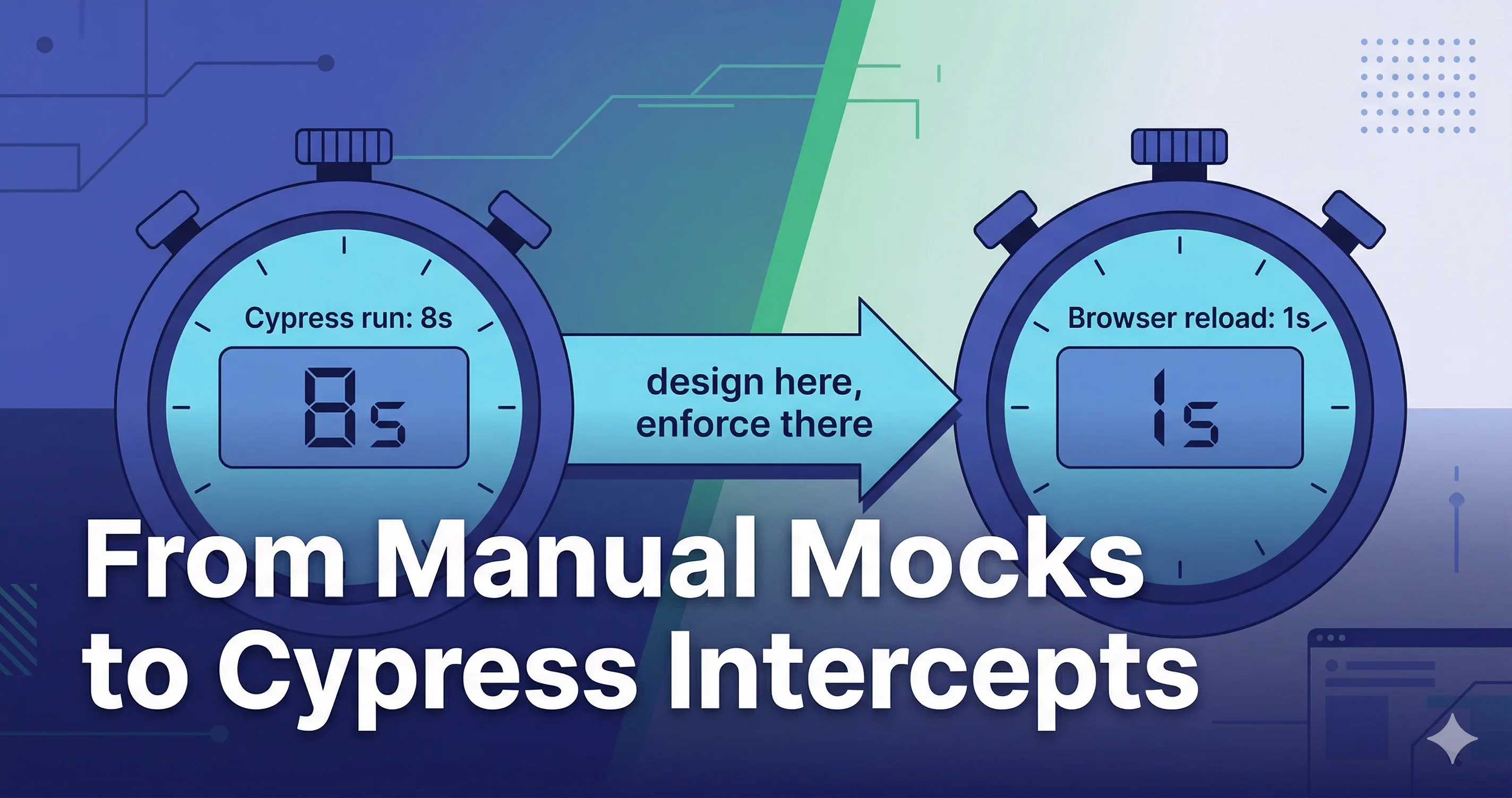
If you write the intercept first and iterate inside Cypress, every iteration costs you a full test run. If you design the mock interactively in your browser first and then write the intercept, the iteration loop collapses to one reload.
Nano Banana prompt: "Two large stylized stopwatch icons side by side. Left stopwatch reads '8s' with a label 'Cypress run' below. Right stopwatch reads '1s' with a label 'Browser reload' below. A small arrow between them labeled 'iterate here'. Caption strip: 'Iterate where it's cheap, enforce where it matters.' Indigo and cyan palette on white, flat vector style, modern tech illustration."
The two-phase workflow
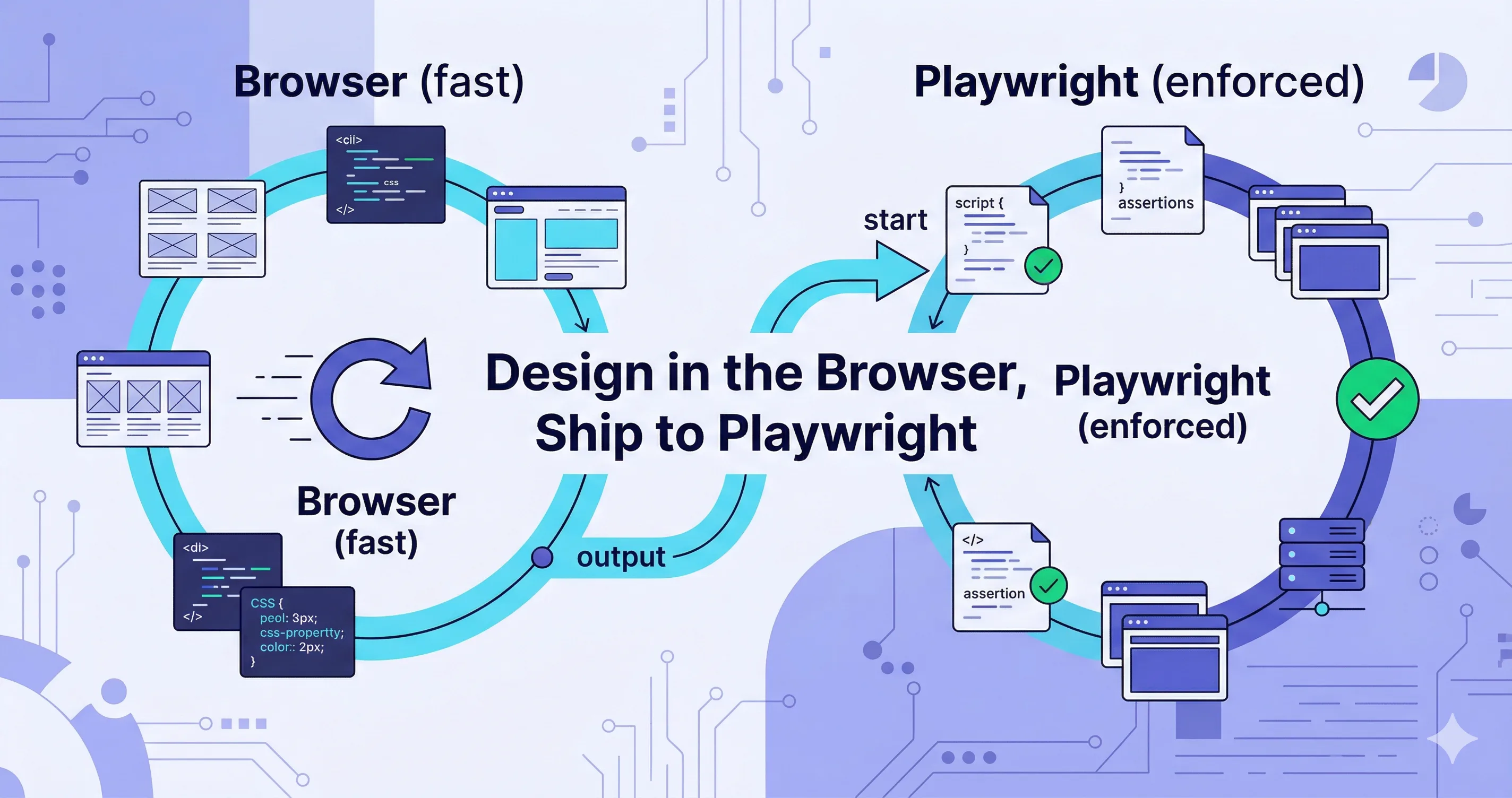
Phase 1 — Design (browser, fast):
- Open the app in your browser with Mockfill loaded.
- Create a rule for the endpoint you want to test.
- Iterate on the response body, status, and delay until the UI shows exactly what you want — empty list, error toast, slow spinner, paginated edge case.
Phase 2 — Enforce (Cypress, slow but durable):
- Copy the validated response body out of Mockfill.
- Paste it into a
cy.interceptcall. - Add the assertions for the UI state.
- Commit and let CI enforce it from now on.
A concrete example
You want to test that the "No users yet" empty state appears, with the right copy and a delay long enough for the skeleton to render first.
In Mockfill, create the rule:
GET /api/users
Status: 200
Delay: 1500ms
Body:   { "users": [] }
Reload the page. Confirm the skeleton shows for the right duration, the empty state appears with the right illustration, and the "Invite your first user" CTA is visible.
Nano Banana prompt: "Two side-by-side mockups. Left: a Mockfill rule editor showing method GET, URL '/api/users', delay field set to 1500, body '{ users: [] }'. Right: a browser window rendering a polished empty state with the headline 'No users yet' and an 'Invite your first user' CTA button. A glowing arrow connects the rule to the rendered UI. Caption: 'Designed in the browser, behaves exactly the same in Cypress.' Light theme, indigo accents, modern flat design."
Now port it to Cypress:
describe('Team page', () => {
  it('shows the empty state when no users exist', () => {
    cy.intercept('GET', '/api/users', {
      statusCode: 200,
      headers: { 'content-type': 'application/json' },
      delay: 1500,
      body: { users: [] },
    }).as('users');

    cy.visit('/team');
    cy.wait('@users');
    cy.contains('No users yet').should('be.visible');
    cy.contains('Invite your first user').should('be.visible');
  });
});
The body is the body you already validated. The status is the status you already validated. The test passes the first time you run it, because the response was already correct before you wrote the test.
The most common Cypress intercept gotcha
cy.intercept must be registered before the request is made. A surprisingly common mistake is calling cy.visit first and cy.intercept second — by which point the request has already gone out and the stub does not apply. The test passes for the wrong reason (real backend) or fails mysteriously.
The right order is always:
cy.intercept('GET', '/api/users', { ... }).as('users');
cy.visit('/team');
cy.wait('@users');
This is not a Mockfill issue, but it bites everyone at least once and is worth calling out loudly. If your intercept "isn't working," check the order before checking anything else.
Nano Banana prompt: "Annotated code editor screenshot showing two Cypress test snippets stacked. Top snippet has 'cy.visit()' before 'cy.intercept()' with a red strikethrough and a red X icon. Bottom snippet has 'cy.intercept()' before 'cy.visit()' with a green checkmark icon. Caption: 'Order matters.' Dark editor theme, monospace font, indigo and cyan accents around the chrome, modern flat design."
Building a test fixture library
Once you have done this for a few endpoints, the response bodies become reusable assets. Pull them out of the test file and into a fixtures/ directory:
repo/
  cypress/
    fixtures/
      users-empty.json
      users-paginated.json
      users-401.json
    e2e/
      team.cy.js
Then in the test:
cy.intercept('GET', '/api/users', { fixture: 'users-empty.json' }).as('users');
The same JSON files can be imported into Mockfill (it accepts JSON rule packs), so the manual debugging tool and the automated test suite share a single source of truth. When you change a fixture, both update.
Translating Mockfill features to Cypress
Most things port one-to-one:
| Mockfill | Cypress |
|---|---|
| URL pattern (regex) | cy.intercept(/regex/, ...) |
| Method | First arg of cy.intercept |
| Status | statusCode |
| Body | body or fixture |
| Headers | headers |
| Delay (ms) | delay |
| Preset (rule bundle) | A test helper function that registers multiple intercepts |
| Hit count | cy.get('@alias.all') length |
Presets are the only thing that needs a small wrapper. Build a helper:
function checkoutFailurePreset() {
  cy.intercept('POST', '/api/payment', { statusCode: 402, body: { error: 'CARD_DECLINED' } });
  cy.intercept('POST', '/api/risk-check', { statusCode: 200, body: { ok: true } });
}
Now checkoutFailurePreset() is the Cypress equivalent of clicking a Mockfill preset.
When the test fails in CI, go back to the browser
The reverse direction matters too. When a Cypress test starts failing, drop the intercept body back into a Mockfill rule and reproduce the failure interactively in your browser. Stepping through the UI by hand with the same response is almost always faster than re-running the Cypress test five times with console.logs.
The takeaway
Cypress is excellent at enforcing mocked behavior. It is mediocre at being a place to design mocked behavior. Use Mockfill for the design phase, Cypress for the enforcement phase, and a shared fixtures/ directory to keep them in sync.