There is a slow part and a fast part to writing a Playwright test that depends on a mocked API. The slow part is figuring out the exact response shape that triggers the UI state you want — null fields, specific status codes, header conventions, the precise string the empty-state component checks for. The fast part is typing route.fulfill.
Most engineers do these in the wrong order. They write the test first, run it, watch it fail, tweak the body, run it again, watch it fail differently, tweak again. The dev loop is long because each iteration costs a full Playwright test run.
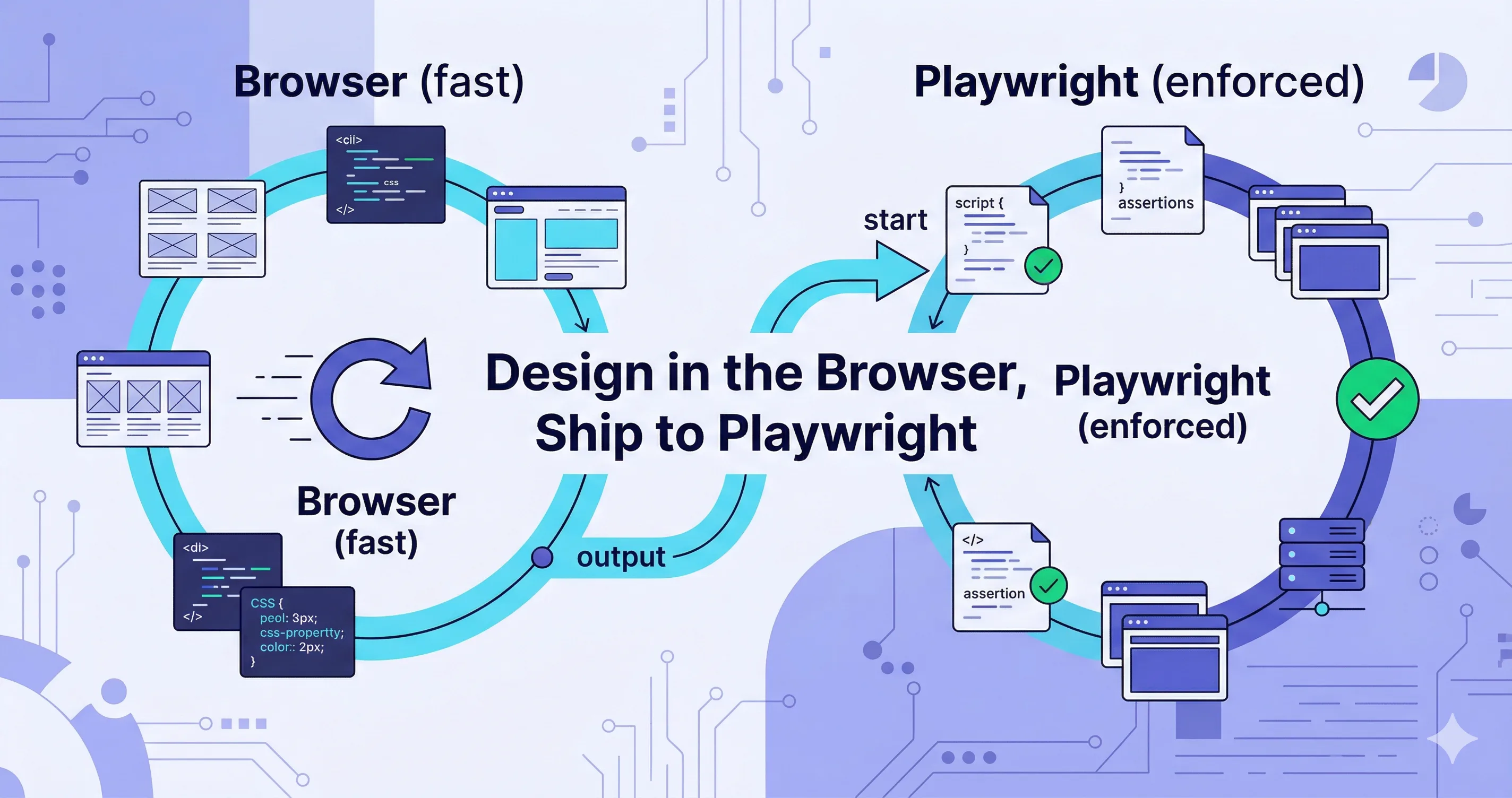
A better order: design the mock interactively in the browser with Mockfill, get the UI exactly right, then port the validated response into Playwright. The expensive iteration happens in a fast loop. The slow loop only runs the final, working version.
Nano Banana prompt: "Diagram with two side-by-side circular iteration loops on a soft white background. Left loop has three nodes: 'Tweak → Playwright run → Wait' with a red 'SLOW' tag. Right loop has two nodes: 'Tweak → Reload browser' with a green 'FAST' tag. A curved arrow labeled 'once stable' connects the right loop to the left. Indigo and cyan palette, flat vector style, modern tech illustration, no photorealism."
The workflow
- Pick the UI state you want to test. Empty notifications list. 401 logout. Loading skeleton at 2 seconds.
- Open Mockfill in your browser and create a rule for the matching endpoint.
- Iterate on the response body until the UI looks exactly right. This is where most of the real work happens, and Mockfill makes it cheap — every tweak is one reload.
- Copy the final response body. Status code, headers, body.
- Paste it into a Playwright
route.fulfillcall in your test file. - Keep the Mockfill rule around as a debugging tool for when the test eventually breaks.
A concrete example
You want to test the empty-notifications state. In Mockfill, you create a rule:
GET https://app.example.com/api/notifications
Status: 200
Body:   { "items": [] }
Reload, confirm the UI shows "No notifications" with the right illustration. Once it looks right, the corresponding Playwright test is mechanical to write:
import { test, expect } from '@playwright/test';

test('shows empty state when there are no notifications', async ({ page }) => {
  await page.route('**/api/notifications', async (route) => {
    await route.fulfill({
      status: 200,
      contentType: 'application/json',
      body: JSON.stringify({ items: [] }),
    });
  });

  await page.goto('https://app.example.com');
  await expect(page.getByText('No notifications')).toBeVisible();
});
The body is the same. The status is the same. The behavior is the same. The test is correct on the first run because the response was already correct in the browser.
Nano Banana prompt: "Two side-by-side UI mockups. Left: a Mockfill rule editor panel showing method GET, URL '/api/notifications', and a JSON body editor containing '{ items: [] }'. Right: a code editor showing a Playwright test file with a 'route.fulfill' call containing the exact same JSON body. A glowing line connects the JSON in both panels. Caption: 'Same JSON, two homes.' Light theme on left, dark editor on right, indigo accents, modern flat design."
Why this is faster than test-first iteration
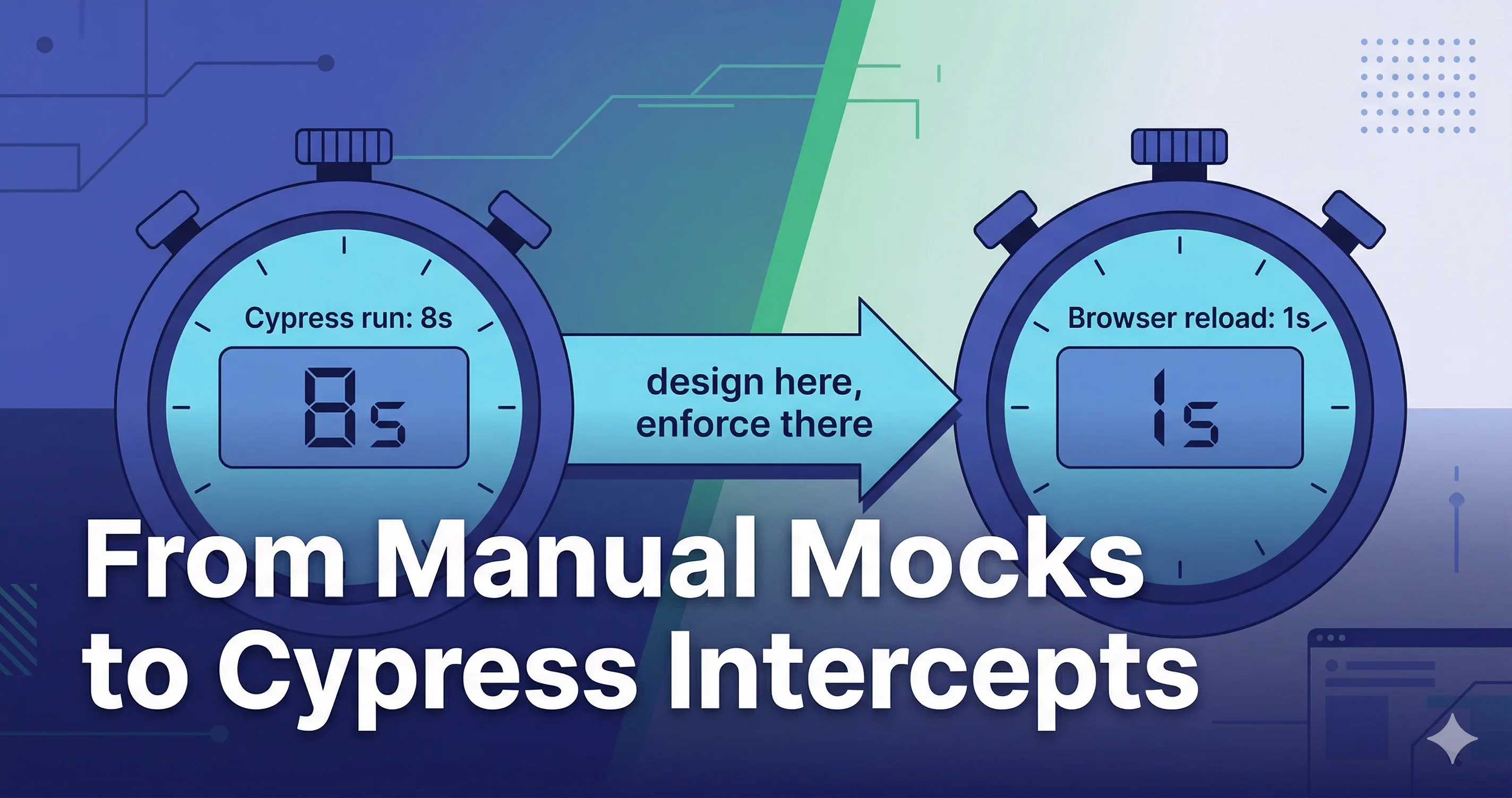
A Playwright run, even for a single test, has fixed overhead — browser launch, navigation, assertion polling. Call it 5–15 seconds. A Mockfill iteration is one browser reload. Call it under 2 seconds.
Over 10 iterations to find the right response shape, the difference is roughly 2 minutes of waiting. Over a full test suite where you repeat this process for 30 endpoints, it is an hour. The cost is not in any single test — it is in the rhythm of writing many of them.
The part where Playwright still wins
Playwright is the source of truth. Mockfill is the designer. The Playwright test is what fails the build when the UI breaks; the Mockfill rule is what helps you figure out why it broke when it does.
When a test fails in CI, the fastest debugging move is:
- Take the Playwright
route.fulfillbody. - Drop it into a Mockfill rule.
- Open the app in your browser and watch the UI behave the same way the test saw it.
The Playwright fixture and the Mockfill rule are interchangeable. Treat them as two interfaces to the same response — one for asserting, one for exploring.
Nano Banana prompt: "Horizontal flow diagram with five connected stages: 1) red 'Playwright test fails in CI' icon, 2) clipboard with 'copy fulfill body' label, 3) Mockfill rule panel icon, 4) browser window with 'reproduce' label, 5) green 'debug' magnifying glass. Curved arrows between each stage. Caption: 'The reverse migration: from automation back to exploration.' Indigo and cyan palette, flat vector style, modern tech illustration."
A small organizational tip: keep response fixtures in one place
Once you have more than a handful of these, the Playwright bodies and the Mockfill rules diverge. Avoid that by putting the response bodies in a shared fixtures/ directory and referencing them from both:
repo/
  fixtures/
    notifications-empty.json
    invoices-paginated.json
  tests/
    notifications.spec.ts   ← imports notifications-empty.json
  tools/
    mockfill/
      ui-debug.json         ← imports the same fixtures
Now the mock and the test cannot drift. A change to the fixture updates both surfaces at once.
What does not port cleanly
A few things in Mockfill do not have a one-to-one Playwright equivalent and need translation:
- First-match-wins ordering. Mockfill resolves rules in order. In Playwright, you control this with the order of
page.routecalls and unrouting. - Per-rule delay. Mockfill's
delayMsbecomes a manualawait page.waitForTimeoutinside the route handler, or scheduling withsetTimeoutbeforeroute.fulfill. - Presets. Mockfill presets are bundles. In Playwright, the equivalent is a test helper that registers a set of routes — wrap the routes in a function and call it from each test that needs the scenario.
These are mechanical translations, not conceptual problems.
The honest limitation
Browser-side mocks — both Mockfill and Playwright route — only see requests that originate in the browser. If your app uses server-side rendering or server components, those fetches happen on the server and bypass both tools entirely. For SSR-heavy apps, you need a server-side mock layer in addition.
The takeaway
The slow part of writing Playwright tests is not Playwright. It is finding the right response shape. Move that work into a fast browser loop with Mockfill, and the Playwright part becomes the easy part.