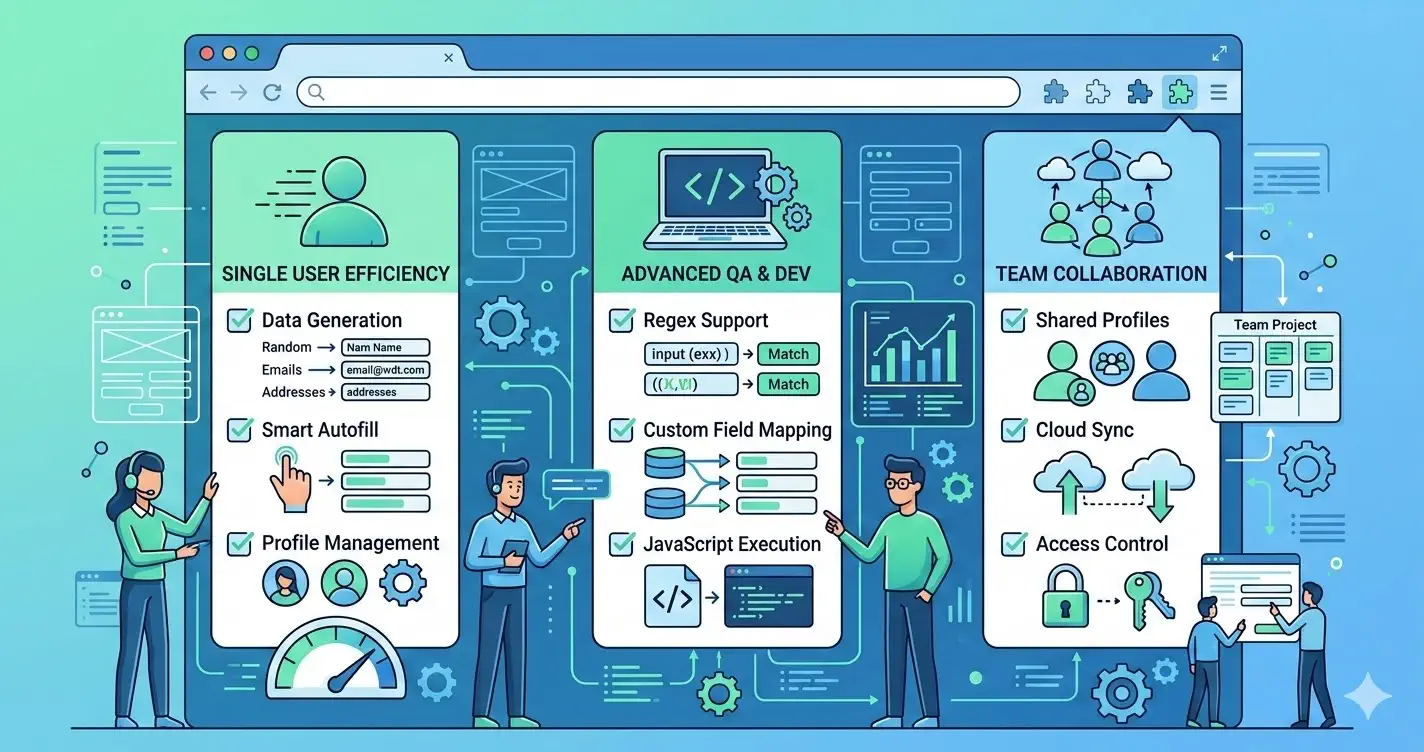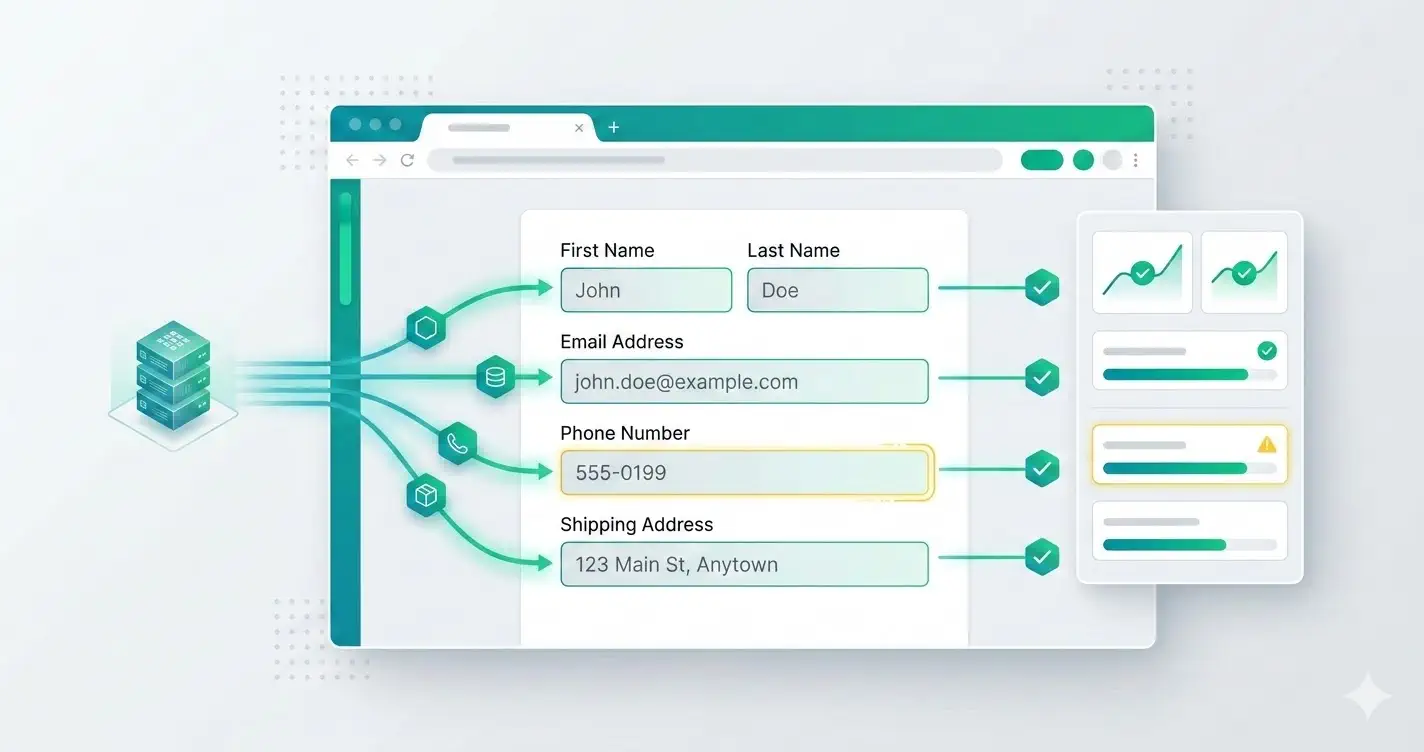
Teams searching for a fake data generator chrome extension usually already understand the value of faster form entry. What they still need is believable synthetic data that exposes real UI and validation issues instead of masking them.
That makes this page different from a generic workflow guide or a shortlist article. The focus here is data quality: how to generate fake data for form testing that is realistic enough to uncover defects and safe enough for shared environments.
Random strings are not the same as realistic test personas
A useful generator does more than fill fields with anything non-empty.
Realistic form test data should help you catch:
- formatting and masking problems
- boundary and length validation errors
- locale-specific address or phone issues
- truncation in tables, cards, and confirmation screens
test data generator chrome extension searches usually reflect this exact problem: teams want believable input, not random noise.
Fields that deserve explicit generation rules
The most important fields should have predictable quality standards.
Prioritize rules for:
- names that include long, hyphenated, or apostrophe-based variants
- emails that are synthetic-safe but still plausible
- phone numbers that respect local formatting expectations
- addresses with apartment, suite, and postal-code variation
- company and role fields that look believable in demos and reviews
Field-level rules are more useful than a single giant randomizer.
Safe synthetic data conventions
Realistic does not mean production-like in a risky way.
Set team rules such as:
- use reserved domains like
example.test - avoid real customer or employee identifiers
- tag generated records so they are easy to find and purge
- keep third-party side effects disabled in staging when possible
This protects privacy while still giving QA a credible dataset.
Team setup for reusable generated personas
The best workflow is a small shared persona library rather than endless ad hoc generation.
A practical setup includes:
- a few baseline personas for normal flows
- edge-case personas for long values, odd formatting, and sparse records
- written conventions for emails, addresses, and phone formats
- cleanup rules for anything created in shared environments
That structure improves bug reports, demos, and design reviews at the same time.
Where MockFill fits
MockFill is useful when the team needs generated values that feel believable in the UI while staying synthetic-safe.
It works well for:
- exploratory QA on form-heavy pages
- product reviews that need realistic content quickly
- repeated regression sweeps where placeholder strings hide issues
Install MockFill from the Chrome Web Store
If your main issue is weak test data quality rather than typing speed alone:
- Install MockFill on Chrome
- Start with one shared persona standard and use it across QA, product, and design reviews.