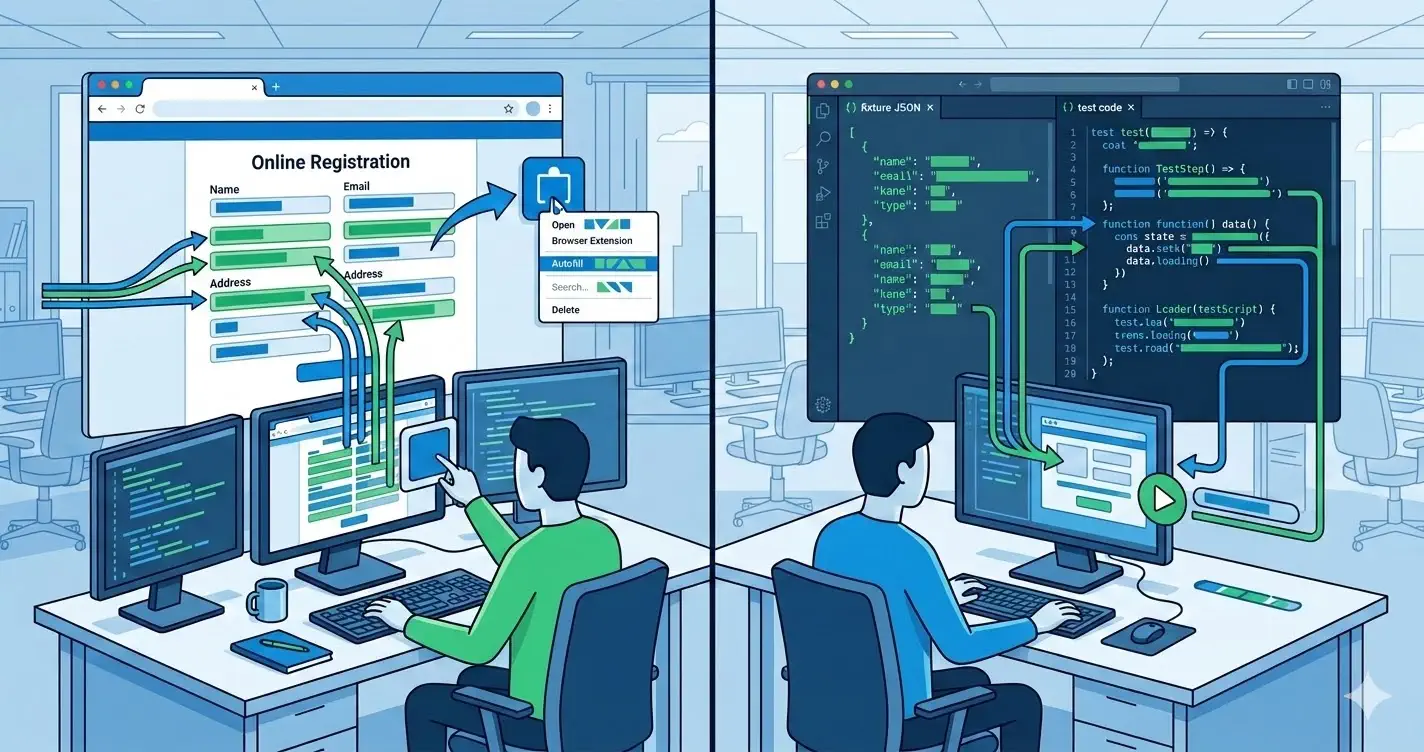
When someone searches for a form filler for testing, the job is usually operational: reduce manual form-entry time during exploratory QA, bug reproduction, and pre-release sweeps without weakening confidence in the results.
That is different from shopping for a generic browser extension or comparing named competitors. This page is about workflow design: where a form filler belongs in a modern testing process and where it does not.
When a form filler is the right tool
A form filler is most useful when the bottleneck is repetitive browser work, not assertion logic.
Common examples:
- rerunning signup, checkout, and profile flows during manual QA
- repopulating long forms after every frontend change on localhost or staging
- recreating customer-reported issues with believable input instead of toy strings
- speeding up internal reviews, demos, and acceptance checks that still happen in the real UI
If your main need is deterministic verification in CI, fixtures and automated tests should still own that layer.
Workflows that benefit most
The highest-value form fill test use cases usually share the same pattern: lots of fields, repeated reruns, and low-value typing.
Start with:
- multi-step onboarding flows
- checkout and billing paths
- account settings and profile management
- admin tools with dense validation rules
These are the places where a test fill workflow can save minutes per pass and hours per week.
How to pair it with fixtures and CI
A form filler should accelerate manual coverage, not replace your testing stack.
A practical split looks like this:
- Keep fixtures for automated regression and contract checks.
- Use a form filler for exploratory testing, smoke passes, and rapid reproduction.
- Promote repeated discoveries into deterministic regression tests.
That keeps the workflow fast without sacrificing repeatability.
Guardrails for a clean manual QA workflow
A good manual workflow still needs standards:
- use synthetic-safe names, emails, phones, and addresses
- document which forms are safe for one-click filling
- keep notes on any fields that must stay manually controlled
- avoid relying on generated data for final CI assertions
The goal is throughput with clean signal, not random data sprayed into every environment.
When another page in this cluster is the better fit
Use this article as the workflow pillar. Use the more specific guides when the query is narrower:
- for browser-driven field behavior and event validation, read Autofill form test extension: how to verify browser-driven input changes
- for realistic synthetic personas and data quality, read Fake data generator Chrome extension for form testing
- for shortlist and tool-selection intent, read Form filler Chrome extension: evaluation guide for QA and dev teams
This separation helps each page answer a different search intent instead of repeating the same advice.
How MockFill fits
MockFill fits the manual QA layer of the stack:
- one-click form filling inside the real browser
- realistic generated values for common inputs
- practical use on localhost, staging, and production-like environments
- faster reruns for exploratory testing and release checks
If your team spends too much time retyping the same forms, this is usually the first workflow upgrade worth making.
Install MockFill from the Chrome Web Store
Ready to use this workflow on your own forms?
- Install MockFill on Chrome
- Start with one long, repetitive form and measure time saved across one QA cycle.