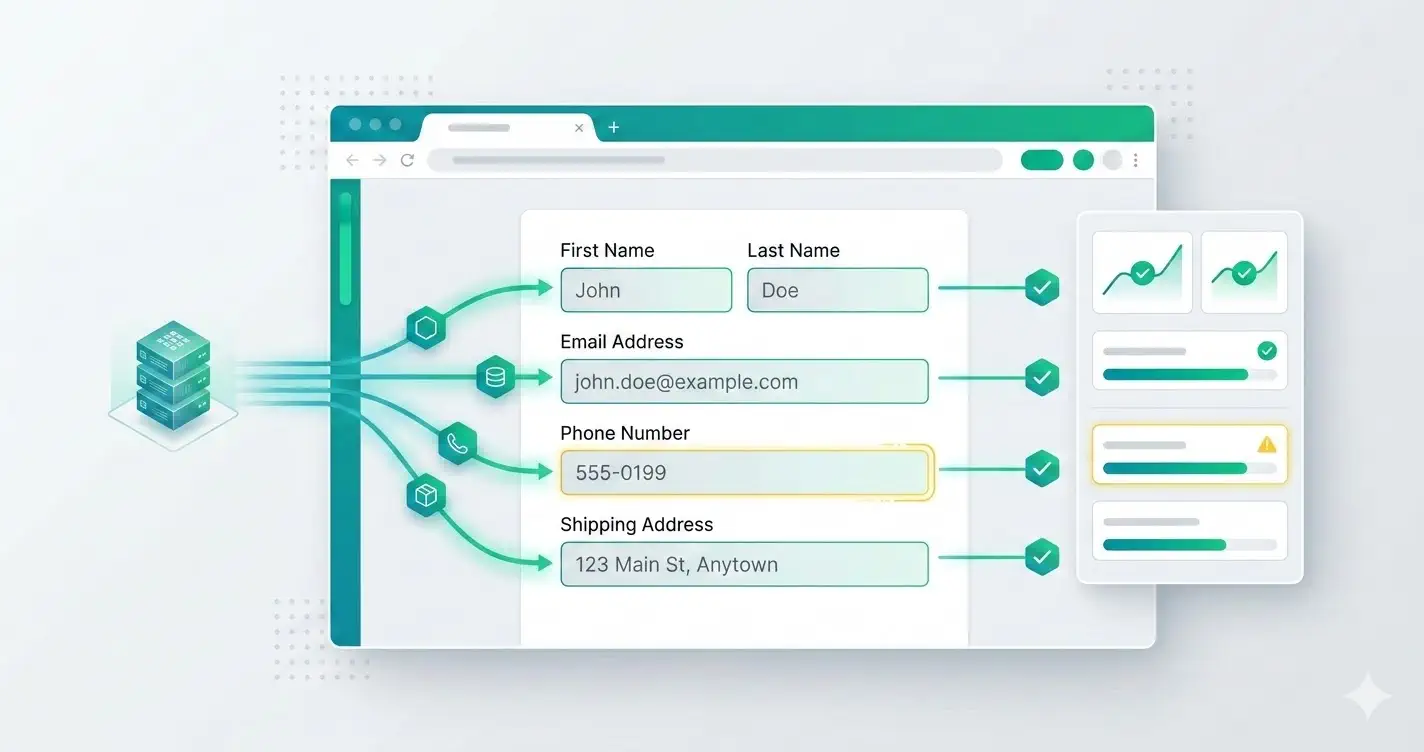
Most teams know they should not use production user data in day-to-day testing. Fewer teams have a disciplined replacement strategy. The result is predictable: engineers fall back to obvious fake strings, brittle fixtures, or copied records that quietly create privacy and compliance risk.
Realistic test data is not about aesthetics. It improves defect detection. It tells you whether validation, formatting, search, sorting, and third-party integrations behave the way they will in production.
This guide is about system design across seeds, fixtures, and generators. It is intentionally broader than the browser-extension article about fake data generation, which focuses on tool-driven input inside the UI.
Define what "realistic" actually means for your app
The right dataset is not the largest dataset. It is the one that matches the shape and messiness of your domain.
For most product teams, realistic data means:
- plausible names, emails, addresses, and phone numbers
- edge-case lengths and character sets
- optional fields that are sometimes blank
- distributions that resemble real customer behavior
- values that expose formatting assumptions
A B2B onboarding flow probably needs role titles, company names, and work email patterns. A commerce checkout flow needs apartments, PO boxes, long street names, coupon codes, and gift-recipient variations.
Separate seeds, fixtures, and generated data
These concepts get mixed together, but they solve different problems.
- seeds create stable baseline records for environments
- fixtures power deterministic automated tests
- generated data creates breadth during exploratory or regression passes
If you use one approach for everything, you will either lose repeatability or miss realistic variation.
A balanced stack often looks like this:
{
  "seedAccounts": [
    { "plan": "free", "locale": "en-US" },
    { "plan": "enterprise", "locale": "en-GB" }
  ],
  "fixtures": [{ "email": "existing-user@example.test", "status": "invited" }],
  "generated": {
    "email": "persona.workEmail()",
    "phone": "persona.phone('US')",
    "company": "persona.company()"
  }
}
Stable records give you confidence. Generated records give you coverage.
Never let generated data mimic sensitive production identifiers
A realistic-looking value should still be clearly synthetic.
Avoid generating values that could collide with or resemble:
- real government identifiers
- real payment credentials
- employee emails in your production domain
- real customer account numbers
- deliverable phone numbers if SMS systems are wired in staging
Use reserved or non-routable domains such as example.test for emails, and keep generated identifiers inside known safe namespaces.
Model edge cases on purpose
The most useful datasets are not uniformly "normal." They include records designed to break assumptions.
Add personas for:
- extremely long names
- non-ASCII characters
- hyphenated or apostrophe-based surnames
- sparse company records
- invalid-but-plausible formatting
- duplicate-looking inputs that normalize to the same value
These cases catch bugs around trimming, encoding, uniqueness, and display truncation faster than broad randomization alone.
Keep generators environment-aware
Generated data can still cause damage if it triggers real downstream behavior. Your generators should understand the environment they run in.
Examples:
- use
.testor internal sink domains for email - mark all webhook payloads as non-production when possible
- disable real billing and messaging providers in staging
- attach environment prefixes to created entities
A simple pattern is to stamp every generated record with metadata:
function buildLeadPayload(persona: Persona, environment: string) {
  return {
    fullName: persona.fullName(),
    email: persona.email({ domain: 'example.test' }),
    company: persona.company(),
    source: `qa-${environment}`,
    tags: ['synthetic', environment],
  }
}
That makes cleanup and audit queries much easier later.
Prefer declarative field rules over one giant generator
Large generic generators become hard to reason about. They also make it difficult for QA or product teams to tune values for specific flows.
A better approach is field-level rules:
emailuses work-domain-safe addressesfirstNameandlastNamecan reflect localepostalCoderespects country constraintsdateOfBirthcan be adult-only for regulated flowscompanyWebsitesometimes omits protocol to test normalization
This keeps the data layer explainable. Explainable systems are easier to debug.
Treat cleanup as part of the design
If your tests create records in shared environments, cleanup is part of data strategy, not an afterthought.
Choose one of these patterns and document it:
- ephemeral environment reset after each suite
- tagged records purged on a schedule
- namespaced test tenants deleted in bulk
Without a cleanup strategy, staging gradually becomes unusable and QA loses signal.
The practical standard
A good realistic-data setup is safe, reproducible, and varied.
It should give you:
- high-confidence fixed records for deterministic checks
- synthetic realistic values for broader coverage
- obvious tagging for cleanup and traceability
- zero dependence on copied production identities
If your team can answer where test data comes from, how it stays synthetic, and how it gets removed, you are already ahead of most stacks.