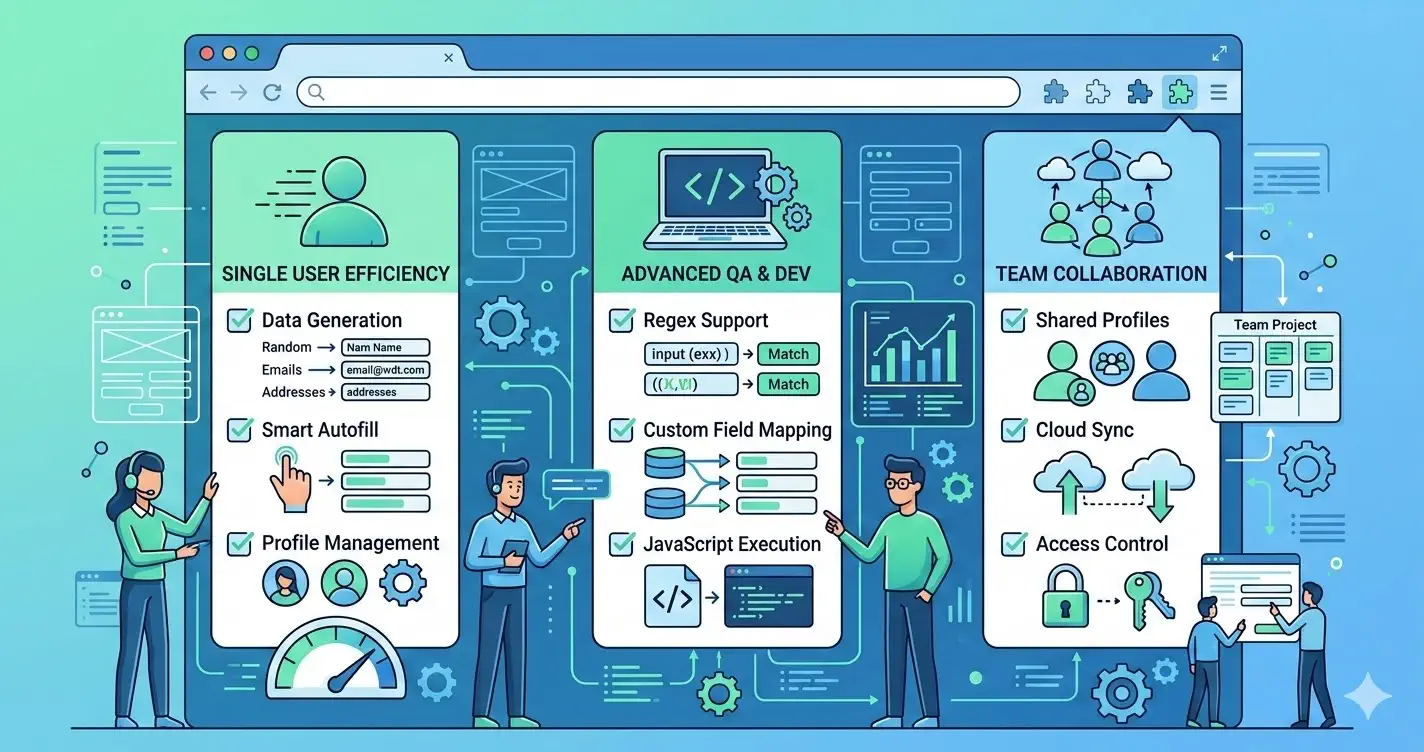
A Form Filler vs Fake Filler query signals side-by-side comparison intent. The searcher is already beyond generic category education and usually wants a structured way to compare tradeoffs for QA work.
This page is intentionally narrower than the broader Fake Filler alternative guide. Use it when you need a single scorecard for fake filler comparison decisions instead of a migration framework.
When this comparison page is the right result
Use this page when the team is asking:
- which option fits current QA workflow better?
- how should we compare realism, speed, and adoption?
- what should a fair trial look like?
If the question is whether to switch away from Fake Filler at all, the alternative pillar is the better starting point.
Comparison criteria for QA teams
Keep the scorecard focused on operational value:
- realism of generated input in the product UI
- speed on long, repetitive form flows
- fit for localhost, staging, and production-like review paths
- ease of onboarding for mixed QA and engineering teams
- clarity of bug reproduction after generated input is used
Without shared criteria, tool comparisons drift into preference debates.
Side-by-side snapshot
This high-level table is meant for evaluation planning, not absolute feature claims.
| Tool | Typical reason teams try it | What to verify in trial |
|---|---|---|
| Form Filler | straightforward acceleration of repetitive entry | whether the workflow stays clear on complex validation-heavy forms |
| Fake Filler | category familiarity and broad awareness | whether generated values are realistic enough for your UI and bug reporting |
| MockFill | realistic browser-side filling for QA-heavy workflows | whether the team gains speed without adding process ambiguity |
A table like this is useful because it turns a brand comparison into a testing plan.
Which teams usually prefer each option
The choice often depends less on the logo and more on the workflow:
- teams optimizing for simple, repeated entry may start with the most familiar option
- teams pushing harder on realistic data and exploratory QA usually care more about output quality
- teams trying to standardize a shared process care about onboarding and reproducibility, not just fill speed
That is why a qa form filler comparison should be anchored in actual use cases.
Where MockFill enters the decision
MockFill enters the conversation when a team wants realistic generated data and a browser-native workflow that is easy to adopt.
The useful next step is not to assume it wins on paper. The useful next step is to run the same forms, with the same testers, in the same time window and compare outcomes.
Install MockFill from the Chrome Web Store
If you want to test the comparison against your real workflow:
- Install MockFill on Chrome
- Run the same two forms through a controlled side-by-side evaluation.